
In Settings and Preferences you can edit your profile
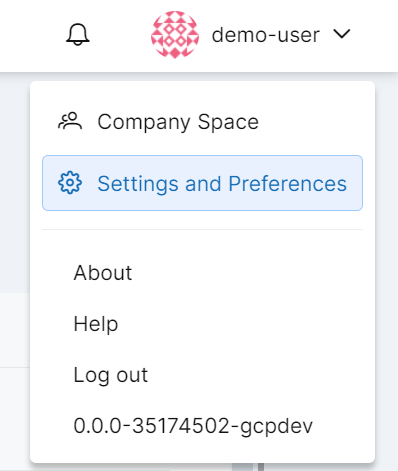
when you go into Settings and Preferences you can see your profile data, workspace data etc.
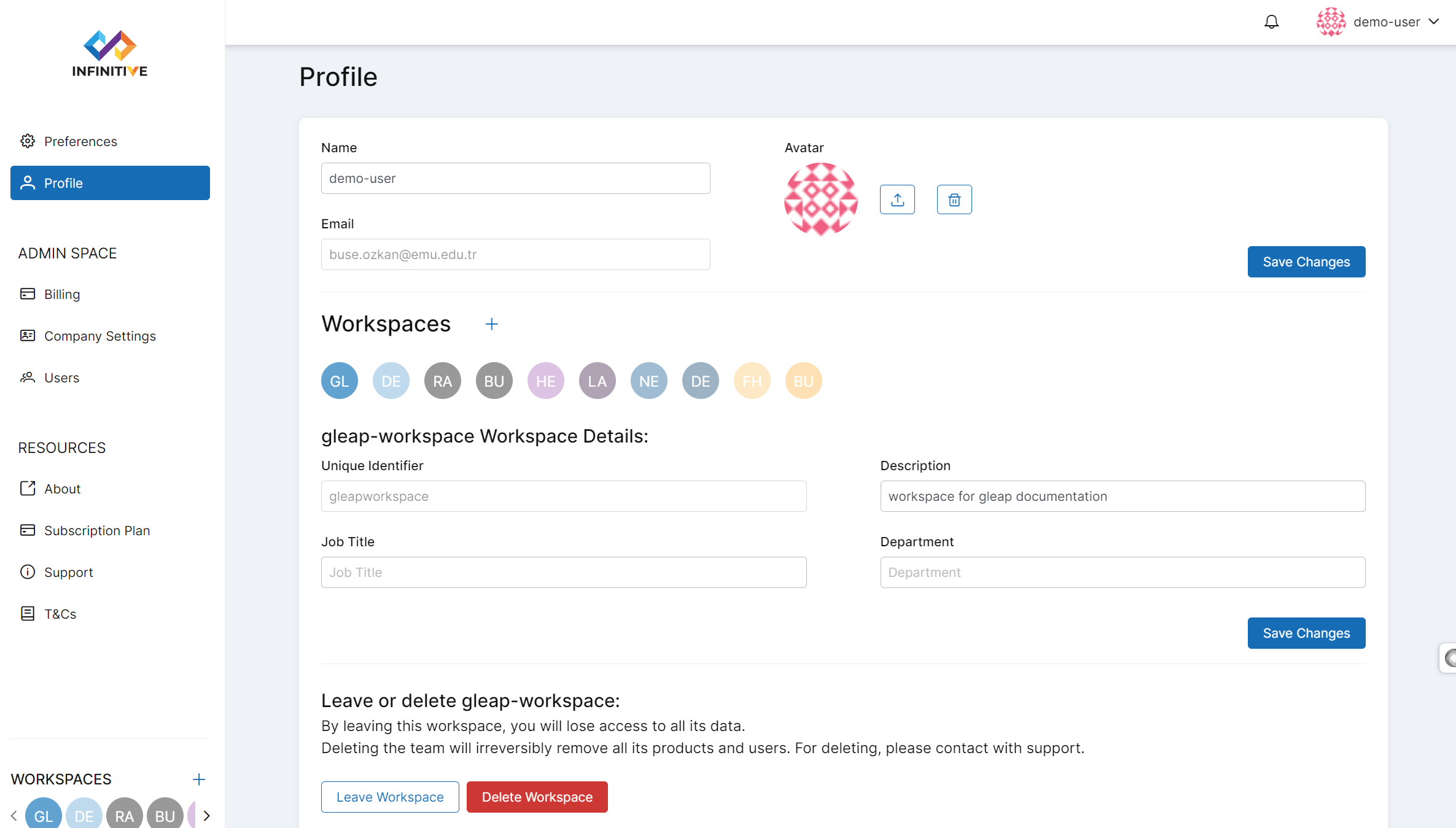
You can edit;
description of your current workspace
department
job title
avatar
name
You can leave the workspace and if you are an admin you can delete the workspace you currently in.