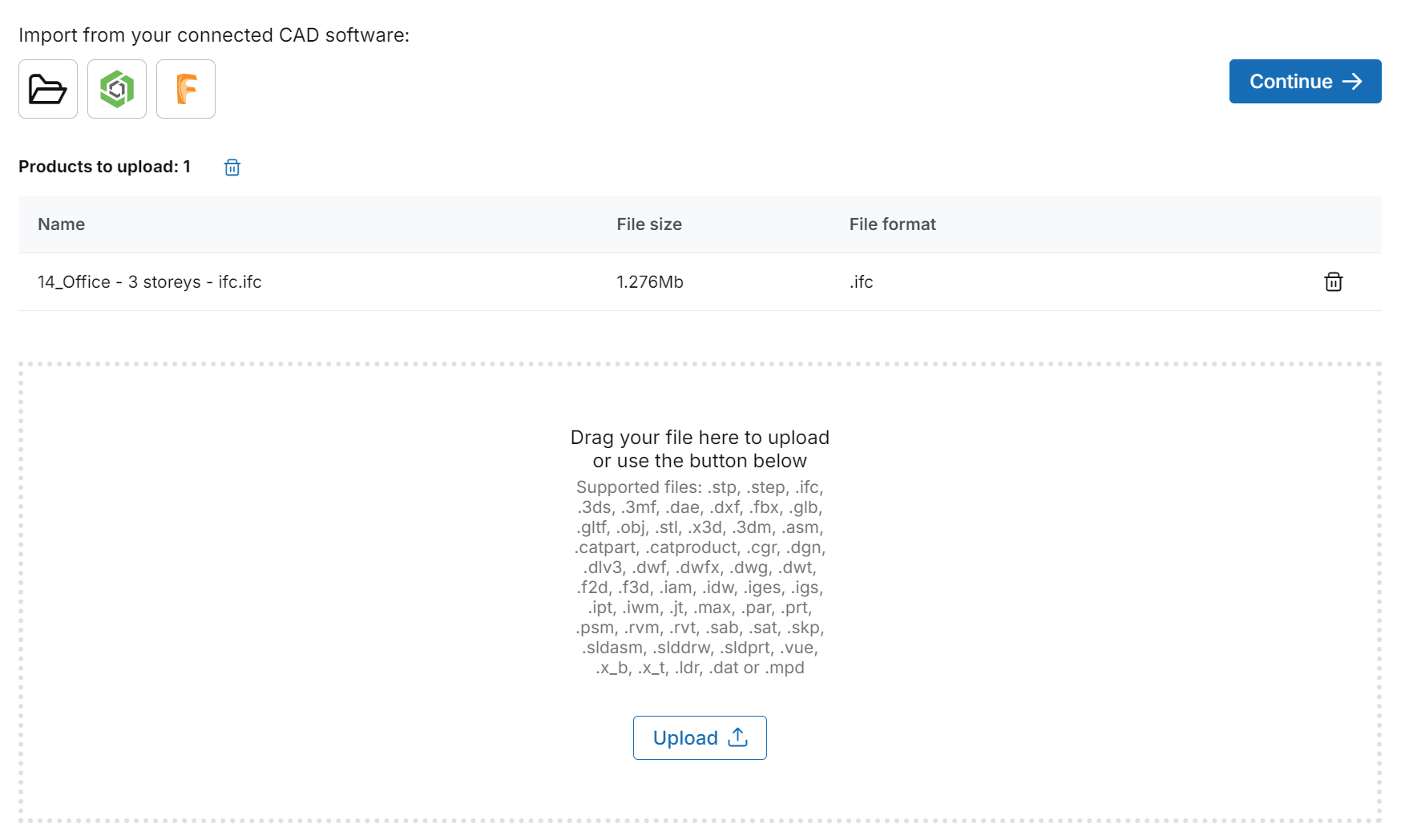
Import a CAD file and specify the CAD data with the Infinitive CAD viewer.
Step-by-Step:
CAD data is extremely useful when developing your products, configurators and configurations for your customer's specific needs. CAD data includes detailed infrastructure, geometry, metadata, materials' properties, manufacturing properties, and mapping data. From design to production everything begins with CAD data.
To import CAD data:
In the products page, https://dev.infinitive.io/products - click on the button labelled as
New Product
In the following page of uploading your CAD file you can import from either these types of files; .stp, .step, .3ds, .3mf, .dae, .dxf, .fbx, .glb, .gltf, .obj, .stl, .x3d, .3dm, .asm, .catpart, .catproduct, .cgr, .dgn, .dlv3, .dwf, .dwfx, .dwg, .dwt, .f2d, .f3d, .iam, .idw, .iges, .igs, .ipt, .iwm, .jt, .max, .par, .prt, .psm, .rvm, .rvt, .sab, .sat, .skp, .sldasm, .slddrw, .sldprt, .vue, .x_b, .x_t, .ldr, .dat or .mpd
You can drag and drop your file/files or upload from your computer.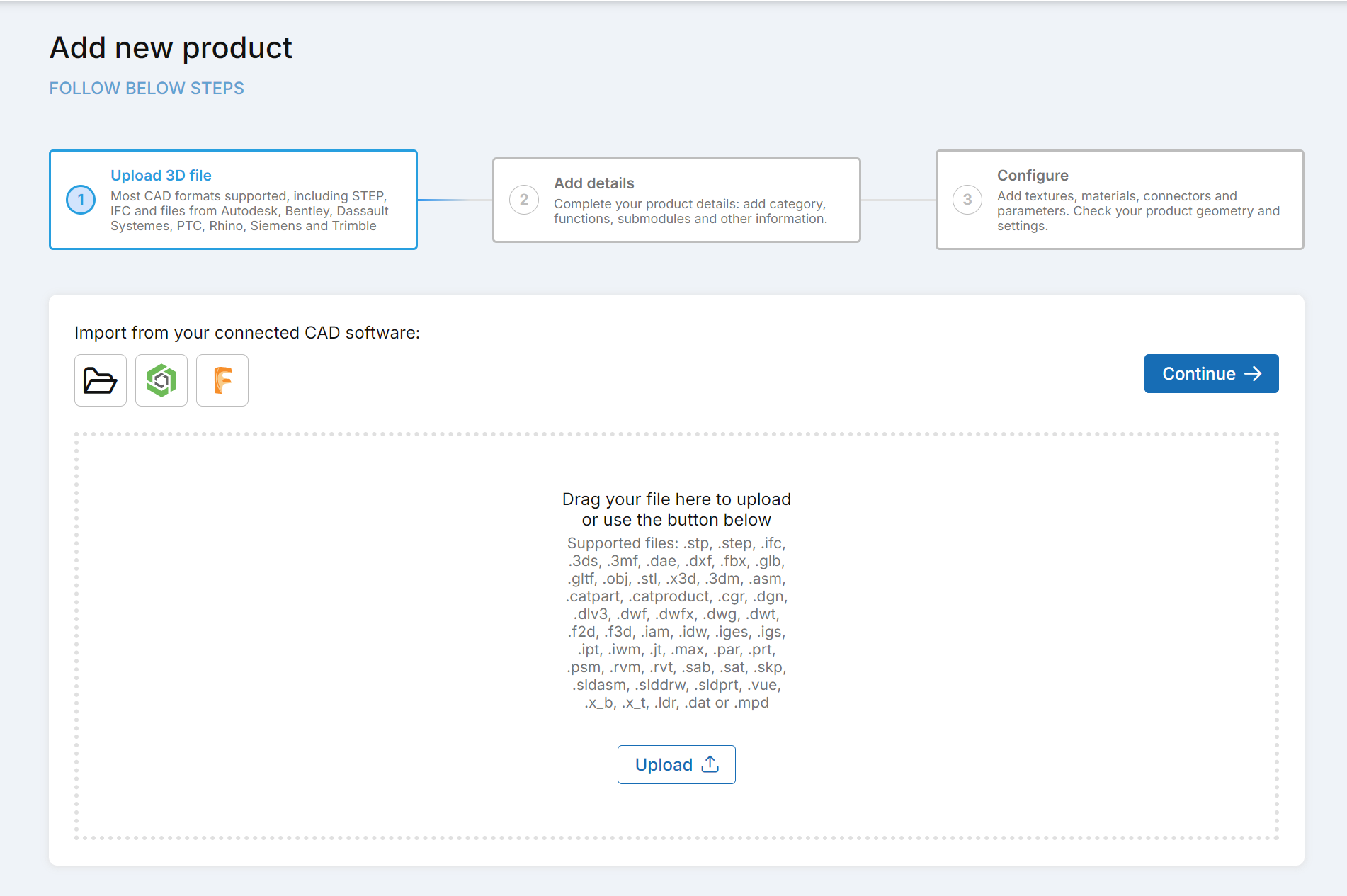
Once the CAD file/files are fully uploaded you can click on the button labelled as
Continue.